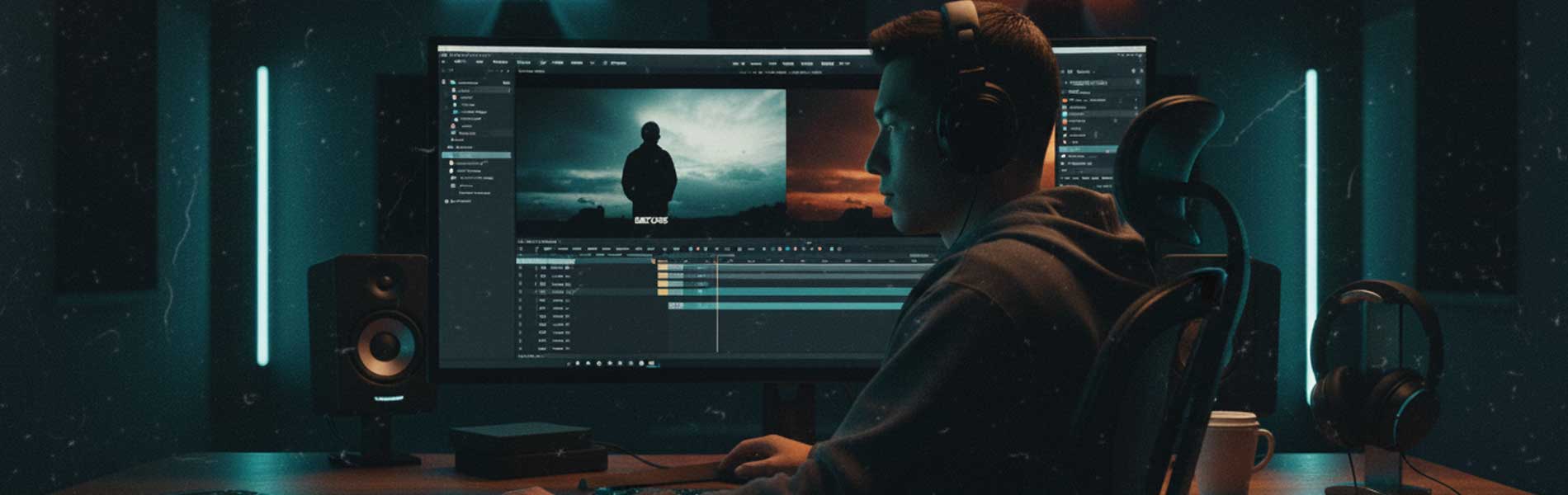
Must-Know Tools for Video Editors: A Complete Beginner to Pro Guide
Introduction
Video editing has become one of the most in-demand creative skills today. From YouTube creators and filmmakers to digital marketers and brands, everyone needs skilled video editors. But to succeed in this field, learning the right video editing tools is just as important as creativity.
In this blog, we’ll cover the must-know tools for video editors, why they matter, and how mastering them can help you build a successful career in video editing.
What Tools Do Video Editors Use?
Professional video editors use a combination of editing software, motion graphics tools, audio tools, and color grading software. Each tool plays a specific role in producing high-quality videos.
1. Adobe Premiere Pro – Industry Standard Video Editing Software
Best for: Professional video editing, YouTube videos, films, ads
Adobe Premiere Pro is one of the most widely used video editing tools in the industry. It allows editors to cut, trim, and arrange footage smoothly with advanced timeline control.
Key Features:
Multi-track timeline editing
Support for almost all video formats
Advanced transitions and effects
Seamless integration with After Effects & Photoshop
Why learn it?
Most production houses and agencies prefer Premiere Pro skills when hiring video editors.
2. Adobe After Effects – Motion Graphics & Visual Effects
Best for: Motion graphics, VFX, title animations
After Effects is essential for adding animations, text effects, and visual effects to videos. It’s heavily used in ads, films, reels, and social media content.
Key Features:
Motion graphics and typography
Visual effects & compositing
Green screen (chroma key) effects
Advanced animation controls
Why learn it?
It helps video editors stand out with cinematic and professional visuals.
3. DaVinci Resolve – Professional Color Grading Tool
Best for: Color correction and cinematic color grading
DaVinci Resolve is famous for its powerful color grading tools and is widely used in films and OTT content.
Key Features:
Advanced color wheels & nodes
High-quality color correction
Built-in video editing & audio tools
Free version available
Why learn it?
Color grading gives videos a professional, cinematic look that clients love.
4. Final Cut Pro – Fast Editing for macOS Users
Best for: Apple users, fast workflow editing
Final Cut Pro is optimized for macOS and offers extremely fast rendering and smooth performance.
Key Features:
Magnetic timeline
High-speed rendering
Optimized for Apple silicon
Professional output quality
Why learn it?
It’s widely used by creators and studios working in the Apple ecosystem.
5. Photoshop & Illustrator – Design Support Tools
Best for: Thumbnails, overlays, lower thirds
Video editors often need to create thumbnails, title cards, and graphics.
Key Features:
Thumbnail design
Image manipulation
Logo and graphic creation
Why learn them?
They add extra value to your skillset and improve visual storytelling.
6. AI Tools for Video Editors (Trending in 2025)
Best for: Faster editing and automation
AI-powered tools are transforming video editing workflows.
Popular AI Tools:
Auto captions & subtitles
Background removal
Smart scene detection
AI voice enhancement
Why learn them?
AI tools help editors save time and increase productivity.
What Tools Should Beginners Start With?
If you’re a beginner in video editing, start with:
Adobe Premiere Pro – Core editing
After Effects – Motion graphics basics
DaVinci Resolve – Color grading fundamentals
This combination covers editing, effects, and color, making you industry-ready.
Career Scope After Learning Video Editing Tools
After mastering these tools, you can work as:
Video Editor
Motion Graphics Artist
YouTube Editor
Social Media Video Creator
Freelancer or Content Creator
Video editors are in high demand across media houses, ad agencies, YouTube channels, and digital marketing companies.
Why Learn Video Editing at IRAA Animation Academy?
At IRAA Animation Academy, students learn video editing with practical, industry-focused training.
What We Offer:
- Hands-on training on industry-standard tools
- Real project-based learning
- Portfolio development
- Career guidance & placement support
- Small batch personalized training
Frequently Asked Questions (AEO Section)
Which is the best video editing software for beginners?
Adobe Premiere Pro and DaVinci Resolve are best for beginners due to easy learning and industry demand.
Is video editing a good career in India?
Yes. Video editing is a high-demand career with opportunities in film, OTT, digital marketing, and social media.
How long does it take to learn video editing tools?
With proper training, basic skills can be learned in 3–6 months.
Conclusion
Mastering the right tools is the foundation of a successful video editing career. Whether you aim to work in films, digital media, or as a freelancer, learning industry-standard video editing tools will give you a strong competitive edge.